Vaultaire vs Keepsafe: which photo vault should you choose?
Compare Vaultaire and Keepsafe on devices, locks, cloud backup and free limits. Choose the photo vault that fits how you use your photos.

Choose Vaultaire if you use an iPhone or iPad and want a pattern-based vault without creating an app account. Choose Keepsafe if you need a photo vault on Android as well as Apple devices, or prefer a PIN with email-based account access. Both encrypt the photos and videos you add; their biggest everyday differences are the devices they support, how you unlock them, and where your backup lives.
Another option: Hidewell on iPhone, iPad and Android
We make Hidewell, another option for a pattern-based vault on iPhone, iPad and Android. It encrypts your photos and videos and opens your collection with a vault pattern separate from your phone lock.
Our Hidewell vs Vaultaire and Hidewell vs Keepsafe pages cover the detailed comparisons. For the Android pattern-vault option, see Vaultaire for Android? Meet Hidewell.
Download Hidewell for iPhone and iPad or Android.
Vaultaire vs Keepsafe at a glance
| What matters to you | Vaultaire | Keepsafe Photo Vault |
|---|---|---|
| Devices | iPhone and iPad | iPhone, iPad and Android |
| Everyday unlock | Draw a pattern | PIN or optional biometrics; pattern also available on Android |
| App account | No sign-up account | Email account |
| Backup | Encrypted iCloud backup | Encrypted Keepsafe Private Cloud backup |
| Free allowance | Up to 3 vaults, 100 photos and 10 videos total | Cloud backup for 200 items |
| Using more than one device | Paid device sync between iPhone and iPad | Account sync with backup enabled |
Vaultaire’s free allowance limits what you put in its vaults. Keepsafe’s 200-item figure is a cloud backup limit. Those numbers measure different things, so compare them with the collection you want to keep and back up. See Vaultaire’s app details and Keepsafe’s backup limits.
Start with the devices you use
Vaultaire is available for iPhone and iPad. If your private collection stays within those devices, its pattern unlock and iCloud integration may suit you well. Its Device Sync keeps a vault available on Apple devices using the same iCloud account and requires the paid plan.
Keepsafe is available on both the App Store and Google Play. That makes it the choice of these two if you use Android now or want access across Apple and Android devices. Keepsafe’s device guide says to sign in with the same verified email and enable backup; the items must finish syncing before they appear elsewhere.
How do you want to unlock your vault?
Vaultaire uses a pattern drawn on a five-by-five grid. The pattern unlocks the keys protecting your vault. You can use different patterns for separate collections, and you do not need to create an email account to start.
Keepsafe offers a PIN and optional facial or fingerprint authentication. Its Android app also offers pattern unlock. Its login guide explains the email account and verification process. That account also gives you an email-based way to reset a forgotten PIN. Vaultaire uses a recovery phrase instead.
Try the unlock method a few times before moving a whole collection. A pattern may feel natural if you prefer a gesture; biometric access may be more convenient if you frequently open and close the vault.
Where do your photos and backups go?
Both apps protect stored photos and videos with encryption. Keepsafe describes AES-256 encryption for files in the vault and encrypted backups.
Vaultaire’s encrypted iCloud backup uses your private iCloud account. Backup is included in its free and paid plans and is on by default. Keepsafe uses its own Private Cloud; turn on backup to sync the files covered by your plan.
If who can access the cloud copy is central to your choice, there is a meaningful difference: Vaultaire encrypts its backup before it reaches iCloud and says its developers do not receive readable files or keys. Keepsafe says it can technically access content in limited circumstances, including with your consent for support, legal requirements or policy concerns.
Also check privacy settings. Vaultaire enables usage analytics and crash diagnostics by default, with an off switch. Keepsafe’s free version contains ads; its paid plan removes them.
Free plans and paid features
For a small collection, start with the free version and see whether it covers your needs. Vaultaire includes up to three vaults with 100 photos and 10 videos in total, plus encrypted iCloud backup. Its paid options remove those media limits and add features such as device sync and creating shared vaults.
Keepsafe Basic backs up 200 items. Its monthly and annual Premium plans raise the cloud allowance to 10,000 items. Premium also includes album locks, a decoy vault, intruder alerts and an ad-free experience. Keepsafe’s plan guide explains the extras.
For a price reference, the US App Store on October 30, 2026 lists Vaultaire annual access at $19.99 and lifetime access at $39.99. Keepsafe lists Yearly Premium at $23.99 and Monthly Premium at $9.99. Both stores list other offers too, so check the exact price and renewal period shown before buying. Current listings: Vaultaire and Keepsafe.
Which one should you choose?
- Choose Vaultaire for a pattern-based collection on iPhone or iPad, no app sign-up, and backup through your iCloud account.
- Choose Keepsafe for Apple and Android access, optional biometric unlock, and an email account with its own cloud backup service.
- Before paying, add an ordinary photo and a short video. Open them, lock the app, and try the unlock method. Check the backup allowance against the collection you plan to keep.
You can download Vaultaire for iPhone and iPad, or Keepsafe for iPhone and iPad and Android.
Save the quick-reference card
Keep the main differences handy while choosing your photo vault.
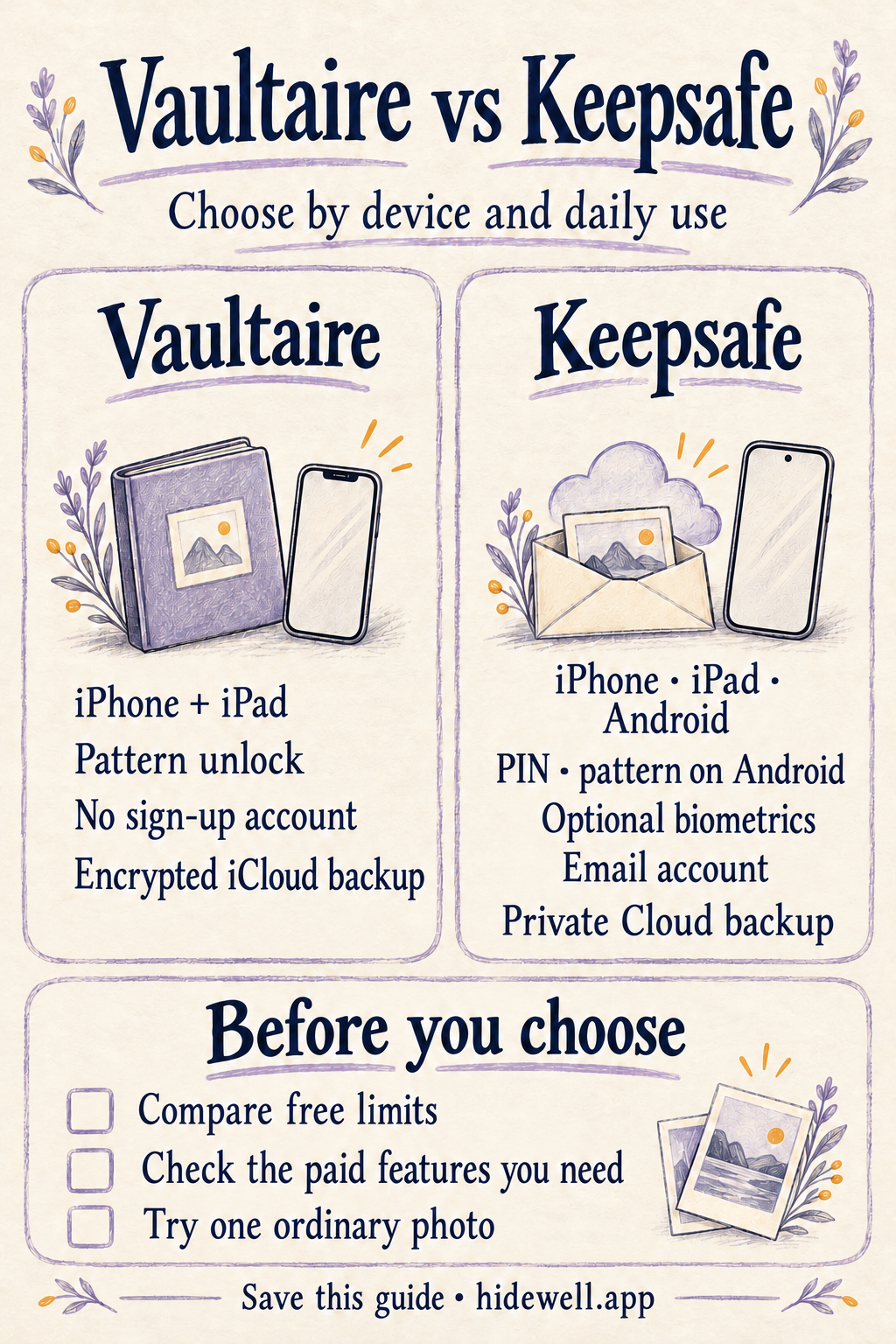
Download the Vaultaire vs Keepsafe quick-reference card (PNG)