Forgot your photo vault password? How to get back in
Forgot your photo vault password or PIN? Follow the recovery steps for Hidewell, Keepsafe or Private Photo Vault on iPhone and Android.
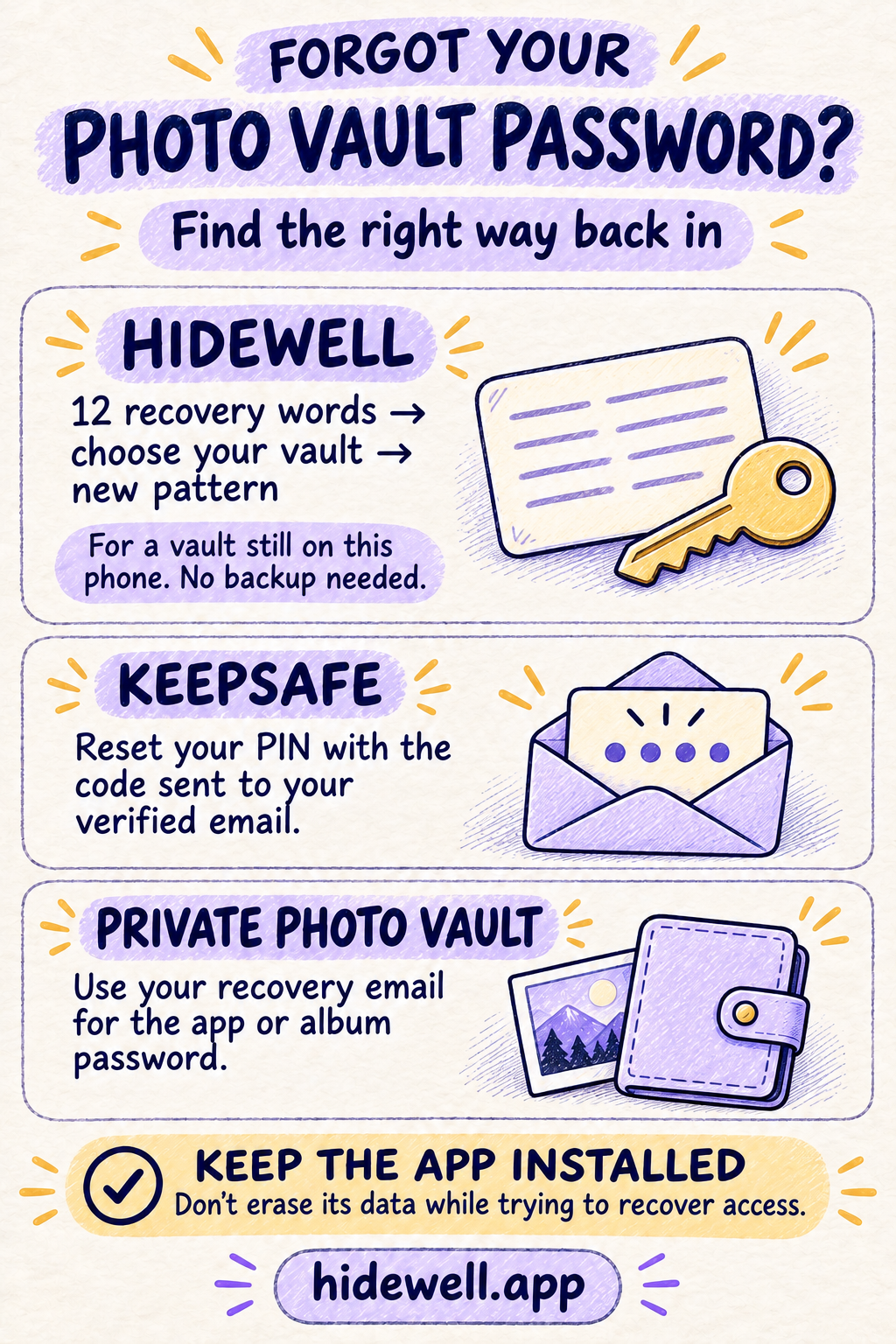
Forgot your photo vault password, PIN or pattern? Use the recovery option for the app you have. Hidewell uses your 12 recovery words; Keepsafe sends a code to your verified email; Private Photo Vault can use a recovery email for its app or album password. Keep the app installed while you work through the right route.
| Your app | Start here |
|---|---|
| Hidewell | Reset a forgotten pattern with your recovery words. |
| Keepsafe | Request a PIN reset code. |
| Private Photo Vault | Use the app or album password recovery option. |
Forgot your Hidewell pattern?
If your vault is still on this phone, your 12 recovery words let you set a new pattern without a backup or internet connection. Your photos and videos stay in the vault. This works on iPhone, iPad and Android.
- On Hidewell’s lock screen, tap Forgot Pattern? on iPhone or iPad, or Forgot pattern? on Android.
- Enter the 12 recovery words for this phone’s vaults, in their original order, and tap Continue.
- Choose the vault you want to recover, skipping any marked (decoy). Opening a decoy from the lock screen deletes the other vaults on this phone. Tap New Pattern on iPhone or iPad, or New pattern on Android, beside your chosen vault.
- Draw your new pattern, tap Continue, then draw it again to confirm. Wait for the checkmark beside the vault.
- Tap Close on iPhone or iPad, or Done on Android. Open the vault with your new pattern.
The change applies to the vault you selected. Other vaults keep their existing patterns.
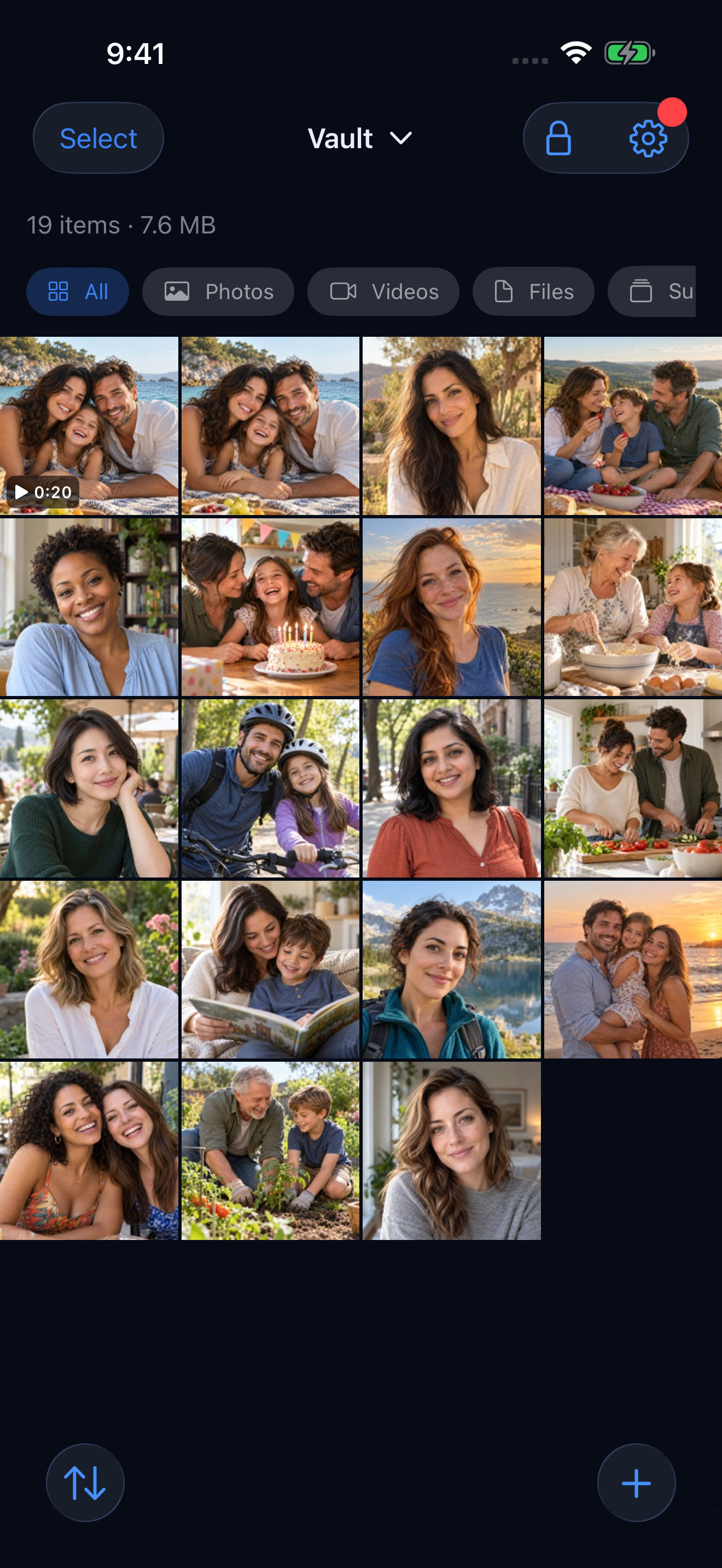
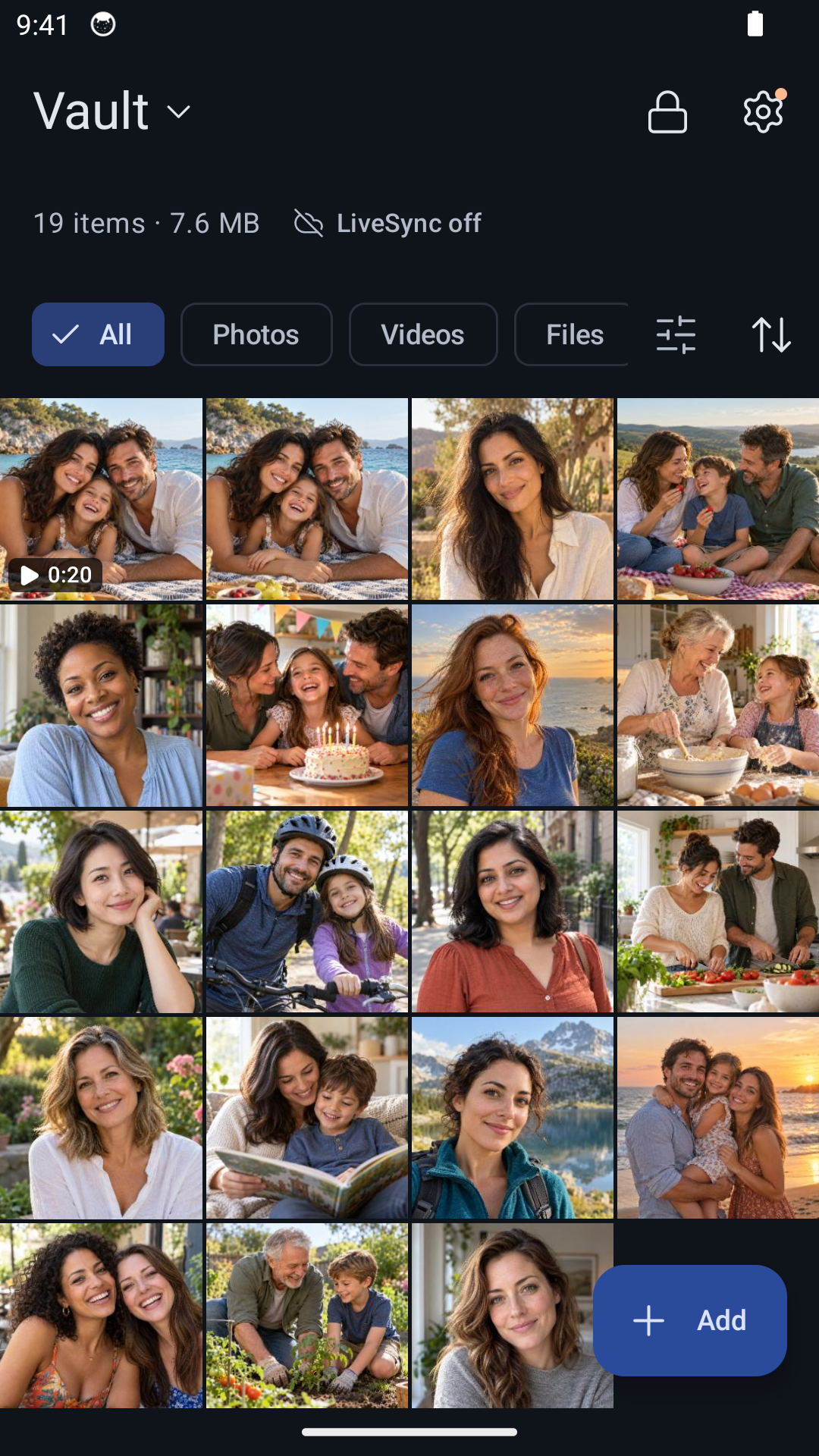
If Hidewell rejects the recovery words, check their spelling and order, and make sure they belong to the vaults on this phone. If you have several sets saved, use the set for the phone you are trying to unlock.
If you are recovering onto a new phone instead, follow the backup and restore guide. The local pattern reset above is for a vault that is already on your device.
Forgot your Keepsafe PIN?
Keepsafe’s official PIN reset instructions use a code sent to an email address already verified on your account:
- iPhone or iPad: tap Forgot PIN, retrieve the email code, enter it in Keepsafe and tap SUBMIT. Choose a new PIN.
- Android: open the three-dot menu → Reset PIN → Send code. Enter the emailed code, tap Next, then choose a new PIN or pattern.
Keepsafe waits five minutes before sending the code. Check the linked inbox before requesting another.
Forgot your Private Photo Vault password?
If you previously set up a recovery email, Private Photo Vault’s official recovery instructions are:
- App password: enter it incorrectly eight times in a row, then choose Yes at the recovery prompt.
- Album password: enter it incorrectly five times, then choose Yes.
These attempt counts apply specifically to Private Photo Vault, not other vault apps. Follow the email recovery process. Without a recovery email, this route is unavailable.
Its Cloud Vault password is separate and cannot be recovered through the app-password reset.
If you are still locked out
Check any secure record where you saved the recovery words or password. For an email-based reset, regain access to the linked inbox first. If the recovery screen behaves differently from these steps, contact the app’s official support before erasing data or reinstalling it.
If you already deleted the app, start with what happens to photos when a vault app is deleted. That is a different situation from forgetting the lock for an installed vault.
You can get Hidewell for iPhone and iPad or Android.
Save the quick-reference card
Keep the recovery route for your app close at hand.