
Hidewell Vault vs HiddenVault
Hidewell puts your private files behind a device-bound pattern on Android, iPhone and iPad. Different patterns open separate vaults, and its paid plan costs $2.99/month versus HiddenVault’s $7.99/month (USD). HiddenVault suits iPhone users who want Face ID, password autofill and a private browser together.
HiddenVault details as of October 26, 2026, from public pages and store listings by Kyle Allen (sources below).
Side by side
Feature comparison
Hidewell Vault 11
 HiddenVault 0
Feature tally Hidewell Vault
Get the app - Ahead:
- Behind:
- Even:
- Not disclosed:
| Hidewell Vault |  HiddenVault | |
|---|---|---|
| Platforms | Ahead: Android, iPhone and iPad.[1] | Behind: iPhone only. [2] |
| Account required | Ahead: No Hidewell account; cloud backup uses your platform account.[3] | |
| Documented encryption design | Ahead: AES-256-GCM; inspectable encryption core.[5] | |
| How the unlock secret becomes a key | Ahead: Device security hardware, then Argon2id (at least 64 MiB).[5] | |
| Everyday unlock | Even: Pattern only, run through your phone's security chip. No biometric shortcut, by design[5] | |
| Separate vaults and decoys | Even: A different pattern for each vault; an optional duress pattern opens a decoy.[5] | |
| Backup encryption and recovery | Ahead: Encrypted on your device; restored with your recovery phrase.[3] | |
| Sync between devices | Ahead: Yes. LiveSync keeps a vault up to date across your iPhone and iPad (iCloud) or Android devices (Google Drive).[8] | |
| Tracking and analytics | Ahead: No analytics or ad tracking.[3] | |
| Ads | Ahead: No ads.[3] | Behind: No ads with Premium. [6] |
| In-app camera | Ahead: Photo and video camera; free-plan item limit.[8] | |
| Source code | Ahead: Public encryption core.[5] | |
| Monthly Pro / Premium price | Ahead: Free; Pro $2.99/month, $19.99/year or $44.99 lifetime (USD).[1] |
Based on each app's official information.
Key differences
What sets them apart.
Your pattern chooses what opens
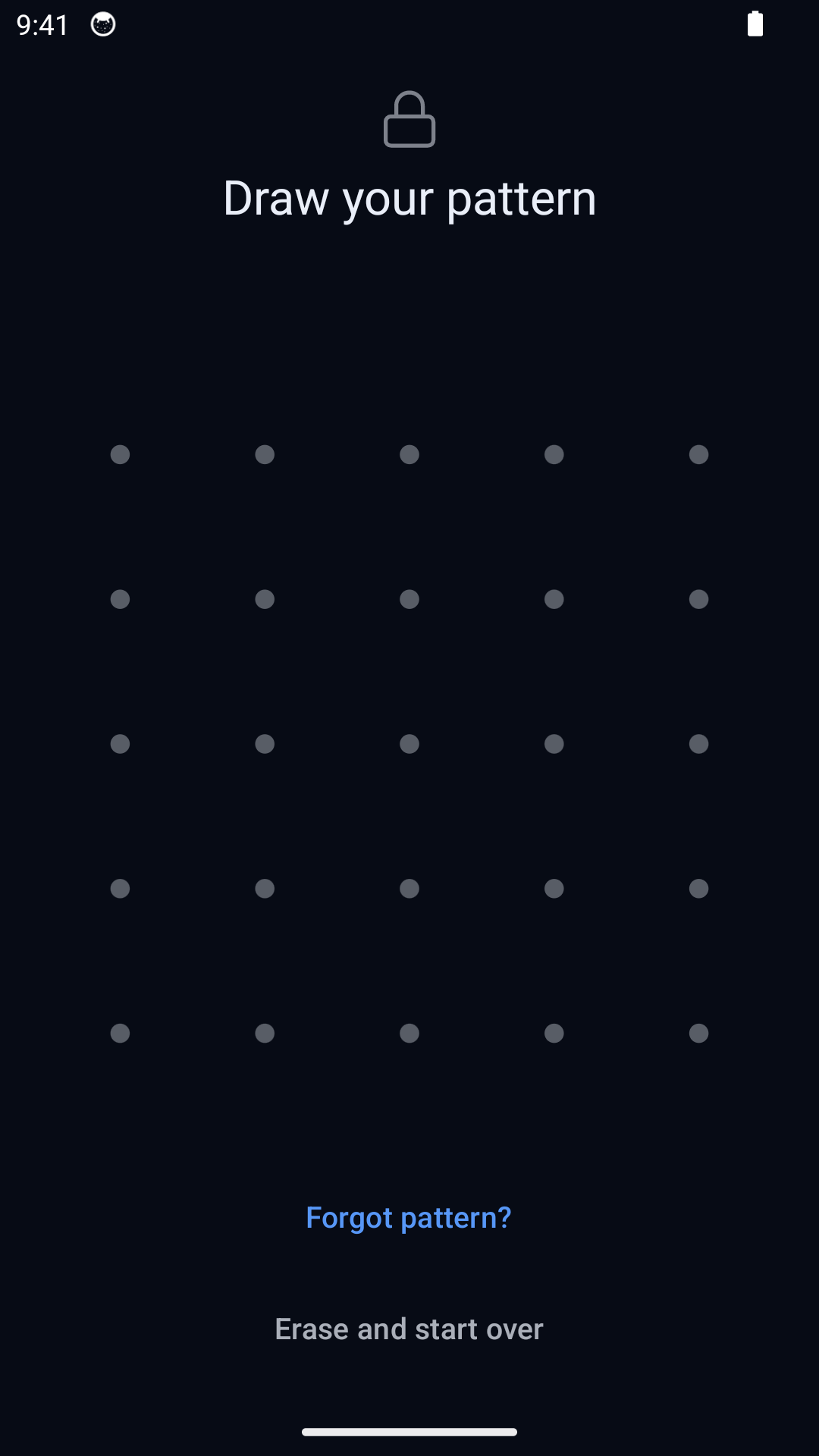
Hidewell keeps everyday access separate from Face ID or your phone passcode. Different patterns open separate vaults, and the normal unlock screen shows no vault list or count. You can open one vault without displaying the others. HiddenVault offers the convenience of PIN or Face ID. Hidewell also works across Android, iPhone and iPad, with a built-in camera that saves photos and videos straight into the vault instead of the photo library. [1][8][2][7]
Keep the backup key in your hands
Hidewell encrypts backup data on your device before sending it to Google Drive on Android or iCloud Drive on iPhone and iPad. Its separate 12-word recovery phrase controls access to that backup; your cloud account alone does not decrypt it. Keep the words separately and check that your backup is ready before changing phones. HiddenVault offers iCloud backup and restore, but does not explain its backup encryption or who controls the recovery keys. Its support page advises keeping the app installed if you need help recovering files. [3][5][6][7][9]
Separate vaults first; a duress pattern only if you choose
An ordinary Hidewell pattern opens its own vault without destroying the others. The optional duress pattern is different: entering it on the lock screen opens a decoy and destroys access to the other local vaults on that phone. Restoring those vaults from backup needs your recovery phrase and a usable backup. HiddenVault offers a decoy vault and break-in alerts that photograph someone entering the wrong passcode; it does not document a comparable destructive action. Choose according to whether you want separate hidden vaults, an emergency action or intruder photos. [1][5][6][7]
More iPhone tools, different data practices
HiddenVault adds password storage with autofill and a built-in private browser, useful if you want those tools alongside your photo albums. Hidewell focuses on an encrypted media and file vault, with no ads or analytics. HiddenVault’s App Store privacy label discloses usage-data tracking and analytics; that is the developer’s disclosure. Its Premium plan removes ads, which is separate from whether usage data is collected. [3][2][6]
How the unlock secret becomes a key
Hidewell Vault. Hidewell publishes its AES-256-GCM encryption core, so its design can be examined. Your pattern runs through Android hardware-backed Keystore or Apple Secure Enclave, then Argon2id with at least 64 MiB of memory. This binds ordinary pattern unlock to your device and adds memory cost to each guess.[5]
HiddenVault. HiddenVault says it encrypts stored media but does not name its cipher, authentication scheme or PIN-to-key method.[6][7]
Monthly Pro / Premium price
Hidewell Vault. Hidewell Pro costs $5 less per month: $2.99 versus $7.99 (USD). Free includes one vault and up to 200 items; Pro is $2.99/month, $19.99/year or $44.99 lifetime (USD).[1]
HiddenVault. Premium lists $2.99/week, $7.99/month and $24.99 for six months (USD). Annual pricing differs: $34.99 on the website and store description, $44.99 in the purchase list, plus a $19.99 Annual Discount with unspecified eligibility. That discount matches Hidewell’s yearly price. Premium includes unlimited media and passwords, the private browser, iCloud backup and no ads. Check the offer shown before subscribing; trial terms also differ between the website and store.[6][2]
Hidewell Vault
Choose Hidewell for separate pattern access, an inspectable encryption design and backups protected by your recovery phrase, across Android, iPhone and iPad. Start free with one vault and 200 items, or pay less per month than HiddenVault for more vaults. The optional duress pattern is destructive; ordinary vault patterns are not.
HiddenVault
Choose HiddenVault if you use an iPhone and want Face ID, password autofill and a private browser in the same app. Premium adds unlimited storage within your available device space. Compare the annual offer you receive and consider its disclosed data practices before subscribing.
FAQ
Hidewell Vault vs HiddenVault: your questions answered.
Does HiddenVault work on Android or iPad?
Its App Store listing is for iPhone. No Android version or dedicated iPad version is listed there. Hidewell supports Android, iPhone and iPad.
Does HiddenVault encrypt photos?
HiddenVault’s official website and guide say it encrypts photos, but do not identify its cipher or key-derivation method. Hidewell publishes its AES-256-GCM core and uses a device-bound pattern path with Argon2id.
Is Hidewell cheaper than HiddenVault?
Hidewell’s paid plan costs $2.99/month versus HiddenVault’s $7.99/month (USD). Hidewell’s $19.99/year matches HiddenVault’s listed $19.99 Annual Discount, whose eligibility is unclear. HiddenVault also advertises $34.99/year and lists $44.99/year. Hidewell has a free plan and a $44.99 lifetime option.
Do different Hidewell patterns delete other vaults?
Ordinary vault patterns do not: each opens its own vault. Only the separately configured duress pattern destroys access to other local vaults when entered on the lock screen. Restoring those vaults from backup needs the recovery phrase and a usable backup. HiddenVault advertises a decoy vault but does not document the same destructive action.
Sources
- https://hidewell.app/
- https://apps.apple.com/us/app/hiddenvault-secret-photo-vault/id1519673105
- https://hidewell.app/privacy/
- https://hiddenvaultapp.com/privacy
- https://github.com/hidewell-oss/hidewell-core
- https://hiddenvaultapp.com/
- https://hiddenvaultapp.com/blog/how-to-hide-photos-and-videos-on-iphone-complete-guide
- https://play.google.com/store/apps/details?id=com.sentrybrain.hidewell&hl=en_US
- https://hiddenvaultapp.com/contact
Updated 26 October 2026. HiddenVault 3.43, US App Store. All prices are USD.
Explore Hidewell’s pattern protection and free plan.
Explore HidewellMore comparisons
- Hidewell Vault vs Apple Photos Hidden album
- Hidewell Vault vs iPhone app lock
- Hidewell Vault vs Apple Notes locked notes
- Hidewell Vault vs Private Photo Vault
- Hidewell Vault vs Vaultaire
- Hidewell Vault vs Calculator#
- Hidewell Vault vs Encamera
- Hidewell Vault vs Obscura Photo Vault
- Hidewell Vault vs Inner Gallery
- Hidewell Vault vs Google Photos Locked Folder
- Hidewell Vault vs Samsung Secure Folder
- Hidewell Vault vs Keepsafe
- Hidewell Vault vs Privault
- Hidewell Vault vs PV – Secret Photo Album
- Hidewell Vault vs Secret Photo Album - SA
- Hidewell Vault vs Hide it Pro
- Hidewell Vault vs Safe Lock
- Hidewell Vault vs Vaulty
- Hidewell Vault vs SPV
- Hidewell Vault vs Secret Photo Vault